What is the best way to compare competitor prices when shipping costs differ?
A cheaper sticker price with expensive shipping is not cheaper. Here is a practical way to build a landed price comparison you can actually act on.
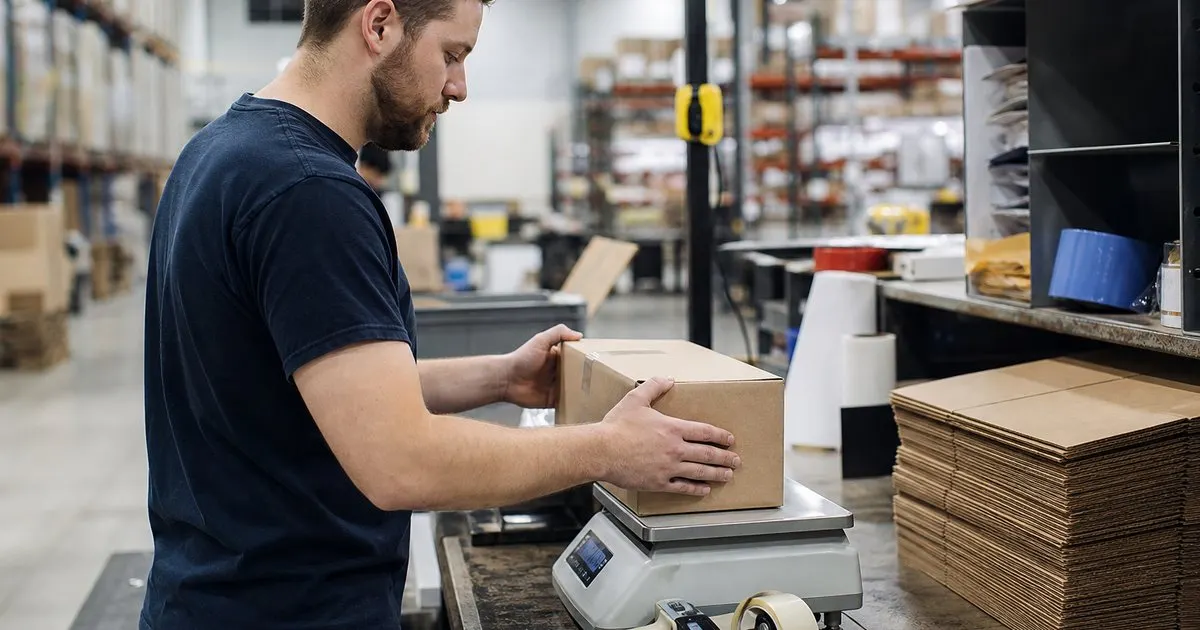
Compare landed price, not sticker price
Shoppers do not buy a sticker price. They buy the total at checkout, which includes shipping, and many of them check that total on two or three sites before deciding. If your monitoring only records the product page price, you can be alarmed by a competitor who looks five dollars cheaper while charging eight dollars for delivery. The right unit of comparison is landed price: item price plus the shipping a typical customer would pay for a typical order. That definition has judgment in it, and the judgment is the work. Related: Reading a Price History: What the Patterns Tell You
Start by defining the typical order for each product family. A single phone case ships differently from a forty pound bag of pet food, and a competitor's free-shipping threshold may cover one and not the other. For each family, write down the cart size you are comparing, the destination you are assuming, and the shipping tier. Then record the competitor's shipping rule alongside their item price. Shipping rules are stable most of the time, so you only need to capture them once and update them when they change.
Keep reading: How to Track Competitor Prices Without Crossing the Line, Dynamic Pricing Basics for Small Online Stores, When to Match a Competitor's Price and When to Hold. See how PriceHawkly helps you competitor price monitoring for online stores.
Handle thresholds and memberships honestly
Free-shipping thresholds are the most common source of confusion. A competitor with free shipping above a set order value is cheaper for a shopper who is already buying two items and more expensive for one buying a single low-priced item. Rather than pick one answer, compare at two cart sizes: a single unit and a cart that clears their threshold. If you are cheaper in one case and they are cheaper in the other, that is useful, because it tells you which customers your own threshold should be designed for.
Paid memberships that include shipping are harder. A competitor whose best price requires a membership is effectively selling at two prices, and only some of your shared customers hold the card. Record both the member and non-member landed price, and weight them by your best guess of how many of your buyers belong. If you have no idea, compare against the non-member price for your pricing decisions and note the member price as a ceiling on how aggressive you can be for that segment. Related: How to Track Competitor Prices Without Crossing the Line
Account for speed, not just cost
Shipping is a price and a promise. A competitor who is two dollars cheaper landed but delivers in six days is not the same offer as one who is two dollars cheaper and delivers tomorrow. Note the promised delivery window next to the shipping cost in your comparison. Faster delivery from a competitor tends to justify a small premium in categories where the purchase is urgent, such as replacement parts, and matters much less for planned purchases like furniture.
The practical way to use this is to give yourself a delivery adjustment per category. Decide, based on what you know about your customers, how much faster delivery is worth in dollars for each product family, and apply that as a correction when the speeds differ. It will be an estimate. It is still better than ignoring speed, which quietly assumes it is worth nothing. Review the adjustment a couple of times a year, because carriers, your own fulfillment setup, and customer expectations all move.
Build a comparison you will keep using
The comparison only helps if it becomes routine. Set it up so the landed price for your key SKUs is computed automatically from the item price you monitor plus a shipping rule you maintain per competitor. When a competitor changes their shipping policy, which they usually announce on the site, update the rule once and every comparison updates with it. Alerts should fire on landed price changes, not sticker changes, so a competitor who raises shipping while lowering the item price does not look like a price cut. Related: MAP Policies Explained for Online Resellers
Keep the comparison honest about your own side too. Include your real shipping cost and your real threshold, and be candid about your delivery speed. Stores are often surprised to find that their landed price is already competitive and the sticker gap that worried them was an illusion. Others discover the opposite: their free shipping is expensive and a competitor's flat fee makes the competitor cheaper on large carts. Either way, you make better decisions with the real number in front of you. Related: When to Match a Competitor's Price and When to Hold
- Compare item price plus shipping for a defined typical order, not sticker price alone.
- Check two cart sizes whenever a competitor uses a free-shipping threshold.
- Assign a dollar value to faster delivery per category instead of ignoring speed.
- Alert on landed price changes so shipping increases do not masquerade as price cuts.

Julien Jimenez
Julien Jimenez is an independent software builder based in Paris. He designs, ships, and operates focused SaaS products for small businesses and independent professionals. Read the full author page.
Stop guessing what your rivals charge
Competitor price monitoring for online stores. PriceHawkly is built to help you put this into practice.
Track a competitorMore from the PriceHawkly blog

How to Track Competitor Prices Without Crossing the Line

Dynamic Pricing Basics for Small Online Stores

When to Match a Competitor's Price and When to Hold
Get the PriceHawkly playbook
Practical guides on price monitoring, straight to your inbox as we publish them. No spam, unsubscribe any time.